

Product tour
The platform, one chapter at a time.
Eleven chapters following a single mandate from client intake through placement to what you bill for it. Each covers one part of the platform and shows how it hands over to the next.
Chapter 1
Platform overview
The shape of the system: how customers, mandates, candidates and placements relate, and why that structure is what makes the rest possible.
- The four platform layers
- Where each module sits
- The records every module shares
Chapter 2
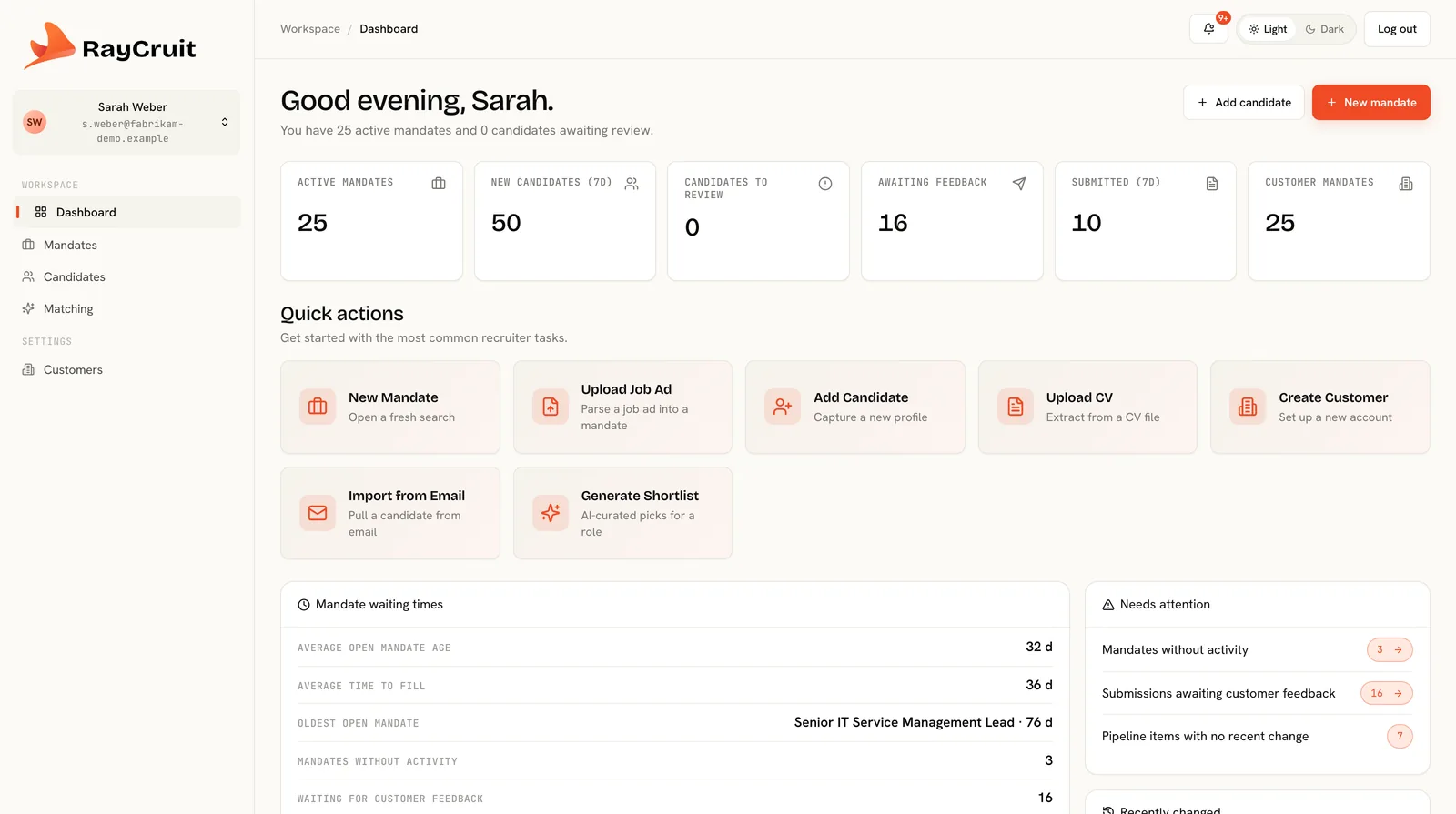
Dashboard and daily operations
What a recruiter sees at nine in the morning: active mandates, pipeline state, outstanding actions and the queues that structure the day.
- Delivery health at a glance
- Work queues and counts
- Next actions per mandate
Chapter 3
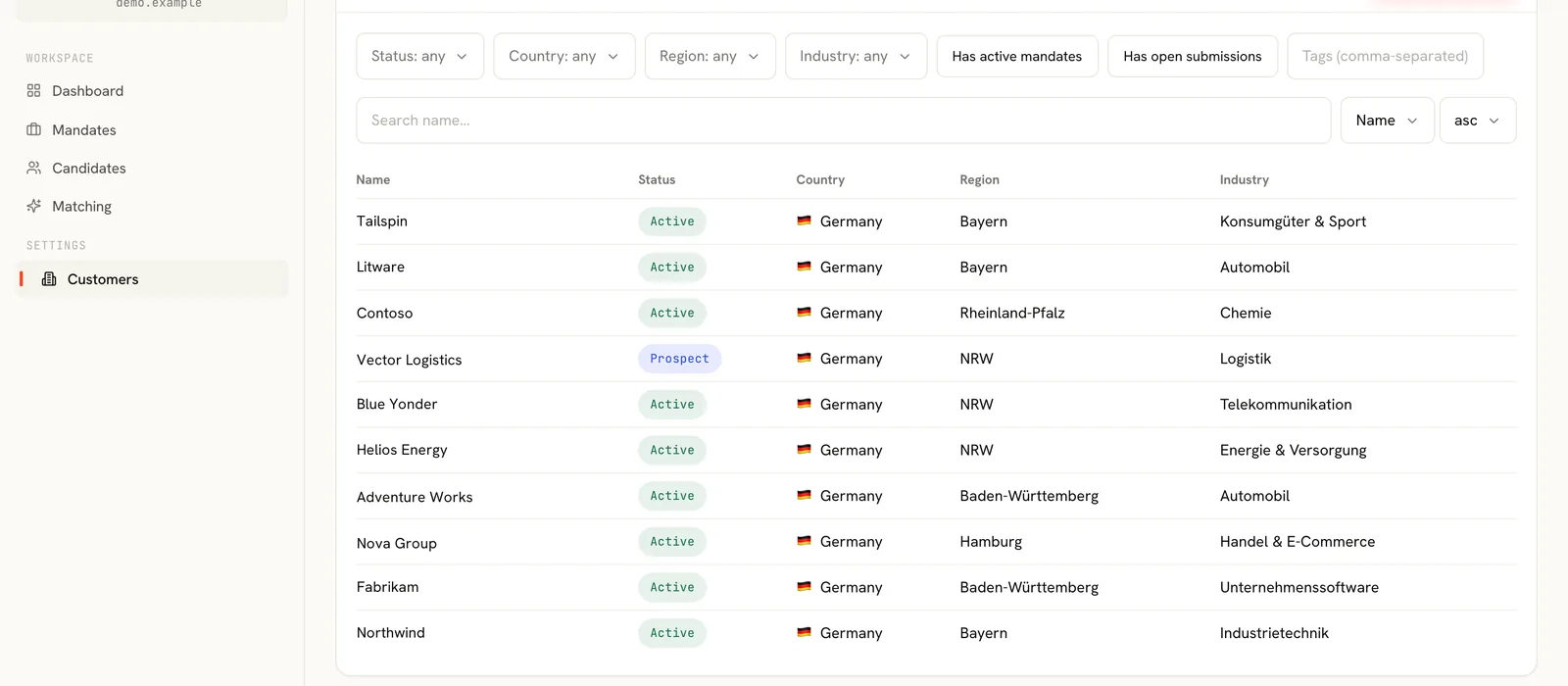
Customers and contacts
Creating a client, mapping stakeholders with explicit roles, and opening the first mandate from the account.
- Account structure
- Contact roles
- Account activity history
Chapter 4
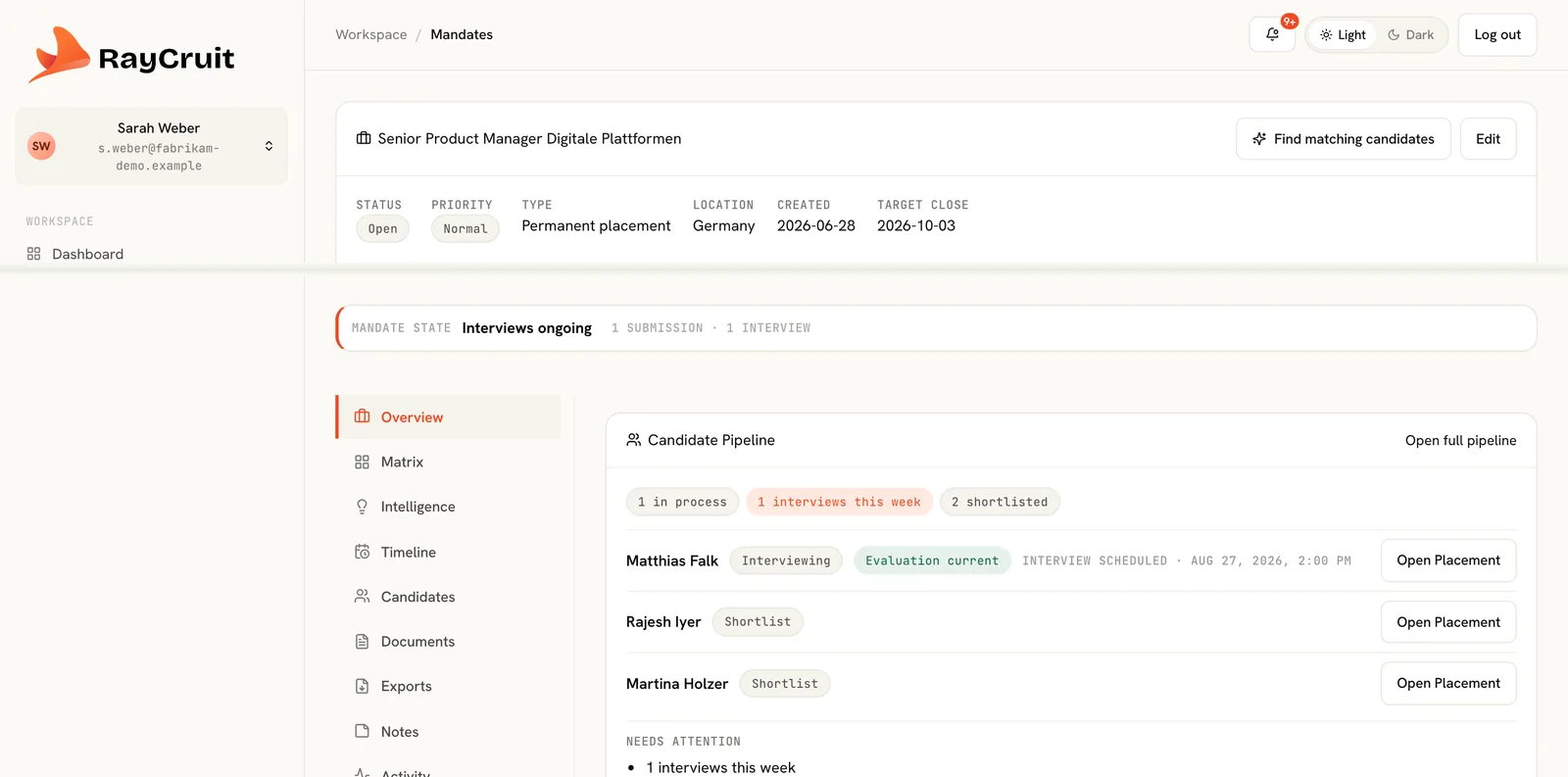
Mandate management
From job ad upload to a structured brief: extraction, must-haves as gates, weighted criteria and commercial terms.
- Job ad extraction
- Gates and weighted criteria
- Pipeline setup
Chapter 5
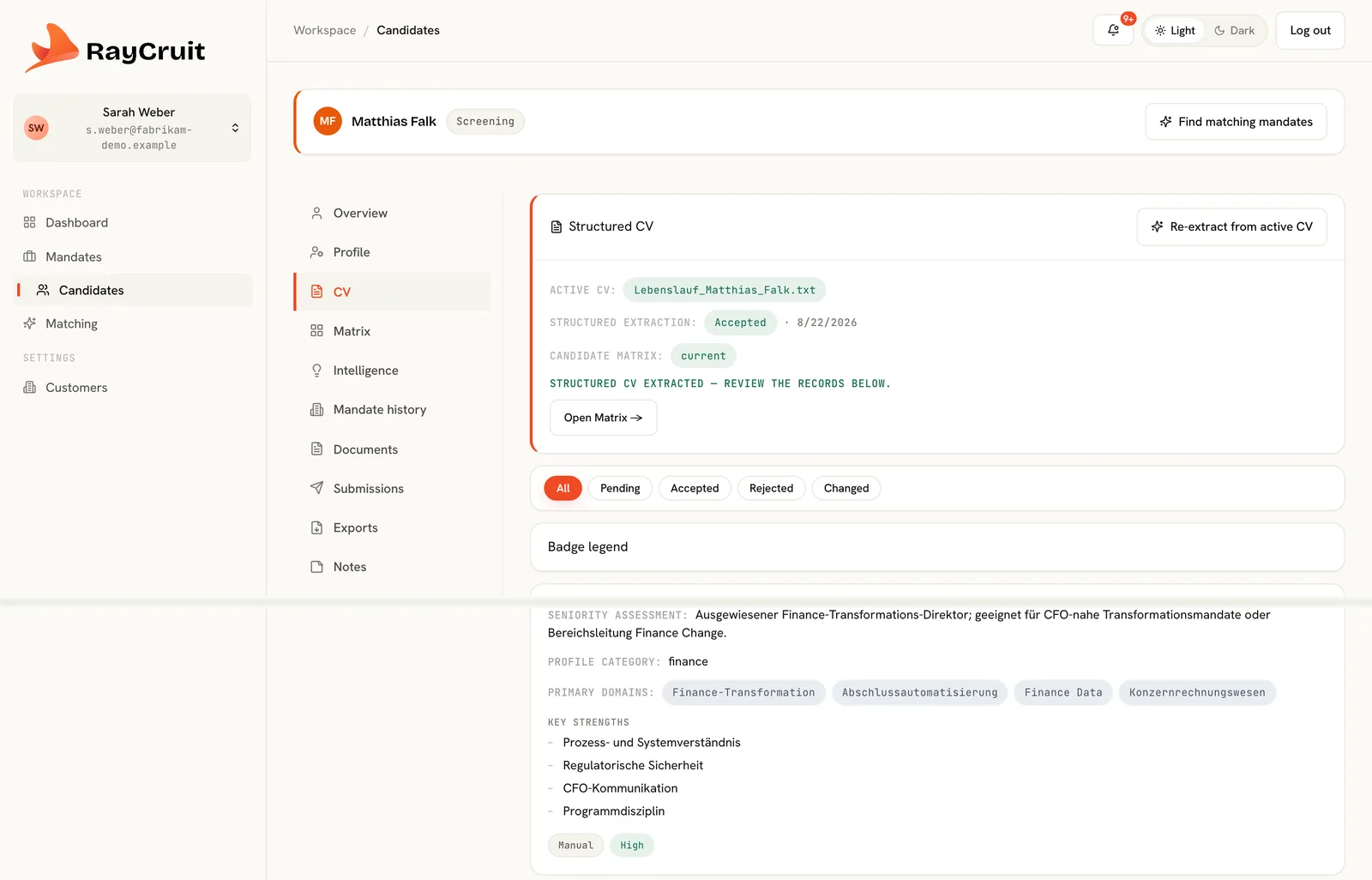
Candidate intelligence
Uploading a CV, reviewing the structured extraction, and completing the eligibility fields that gate mandates.
- Structured CV extraction
- Skills, languages, certifications
- Work authorisation and availability
Chapter 6
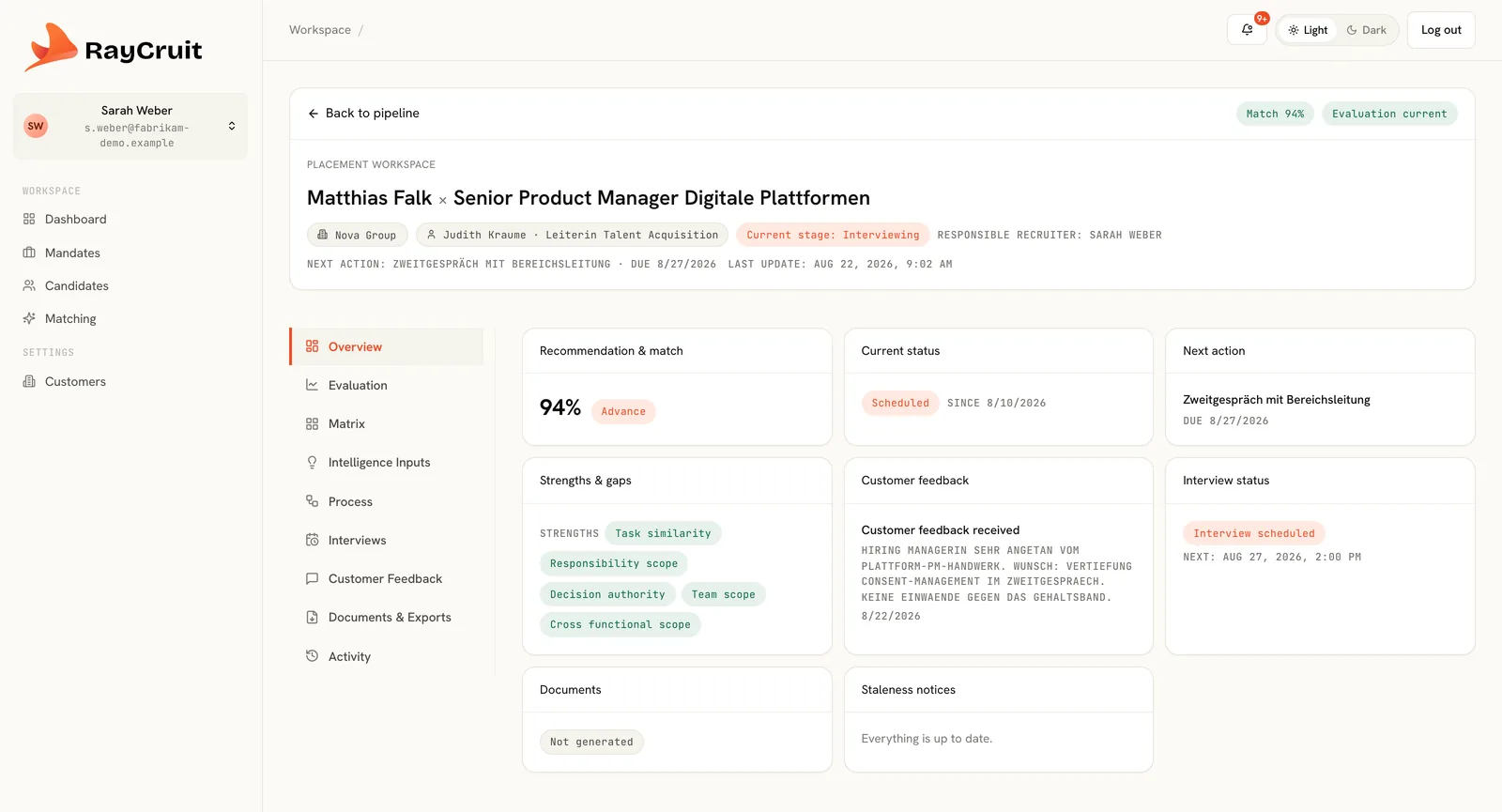
Placement Workspace
The candidate × mandate workbench: overview, evaluation, matrix, process, interviews, feedback and activity.
- Seven working sections
- Recruiter intelligence as input
- Interviews and client feedback
Chapter 7
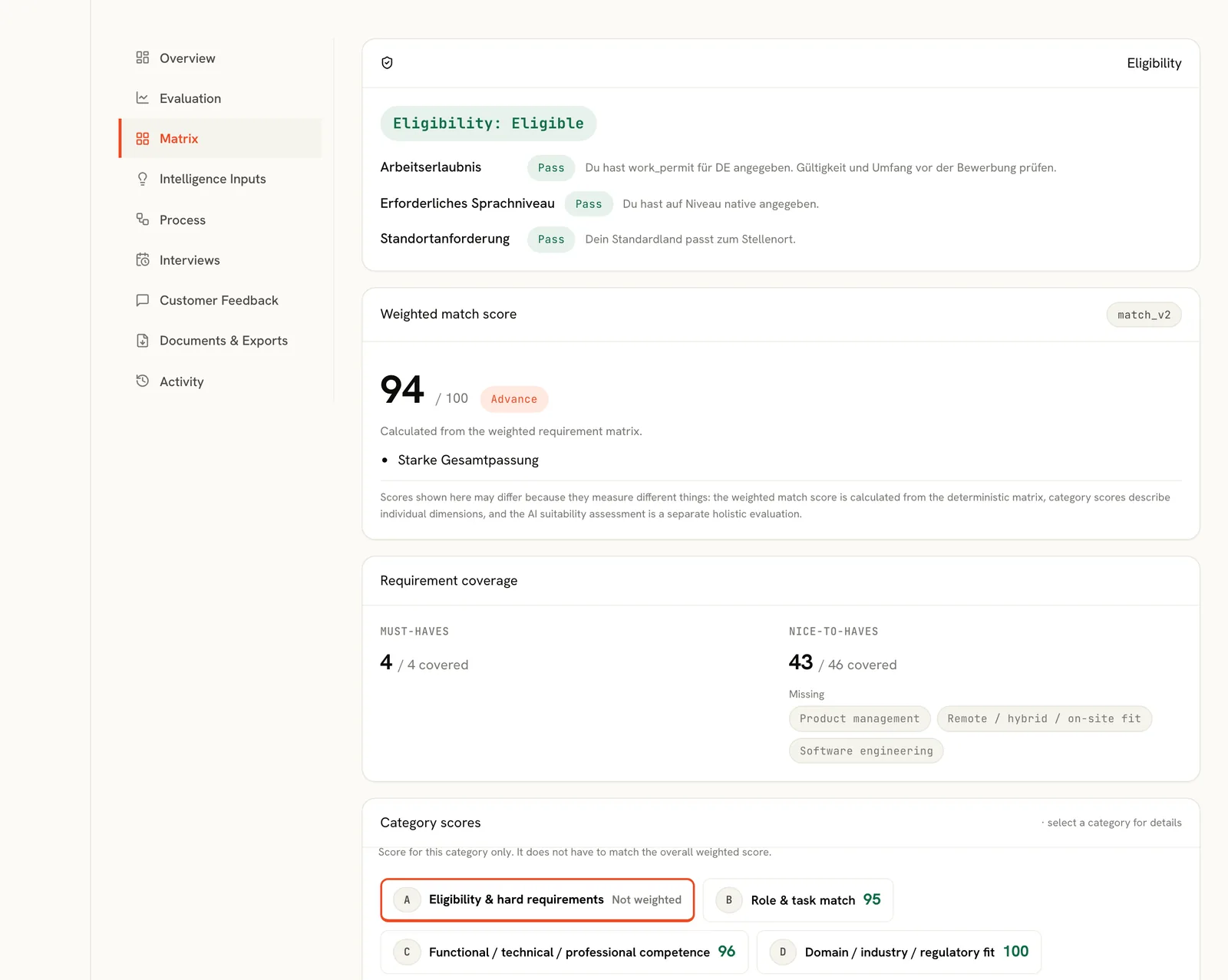
Matching and the match matrix
Running a rule-based match, reading gate results and criterion evidence, and turning the matrix into a client explanation.
- Gates before scoring
- Evidence per criterion
- Staleness and regeneration
Chapter 8
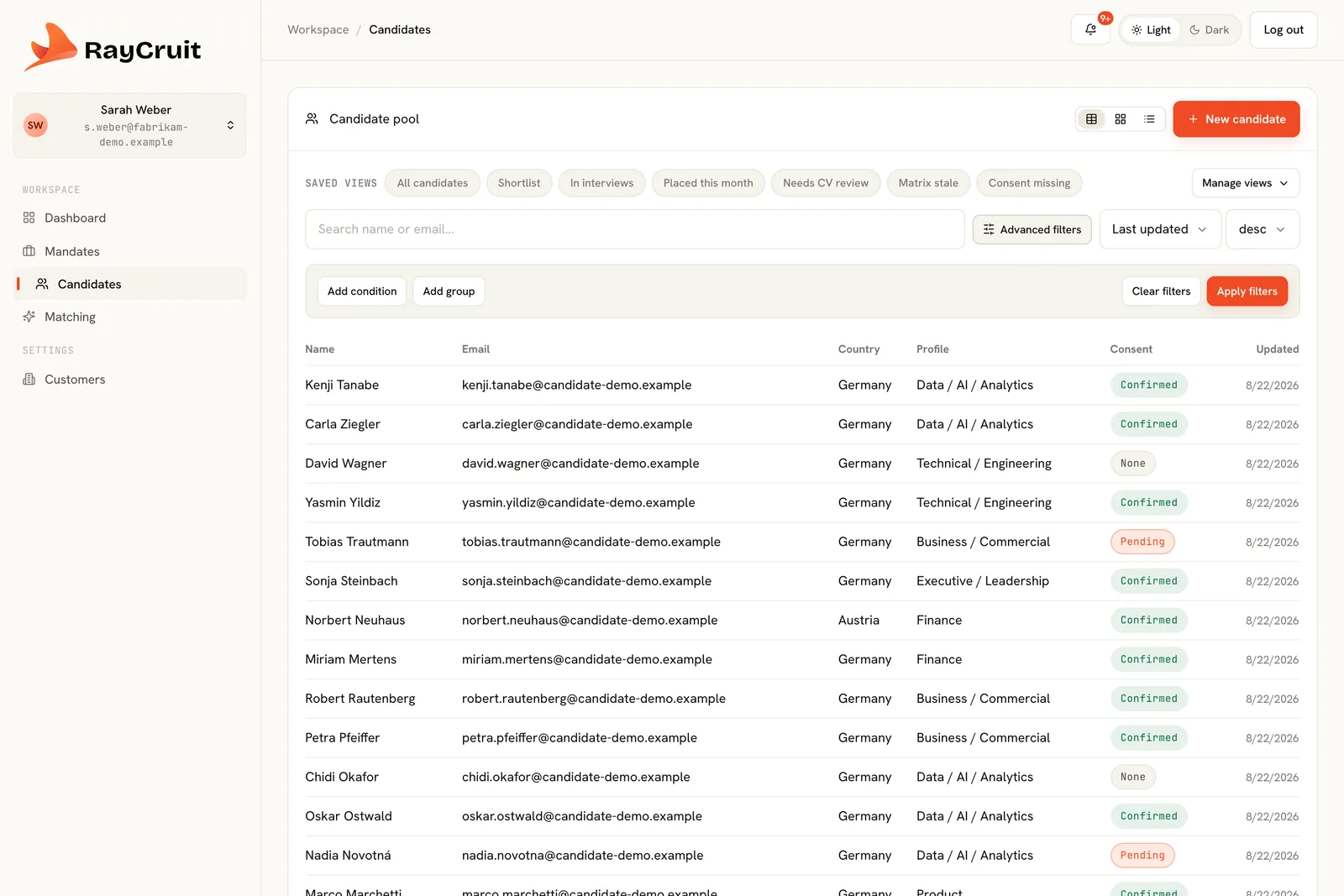
Filters and saved views
Building a cross-object filter and saving it as a shared work queue the whole team runs their day from.
- Cross-object filtering
- Saving and sharing views
- Hygiene queues
Chapter 9
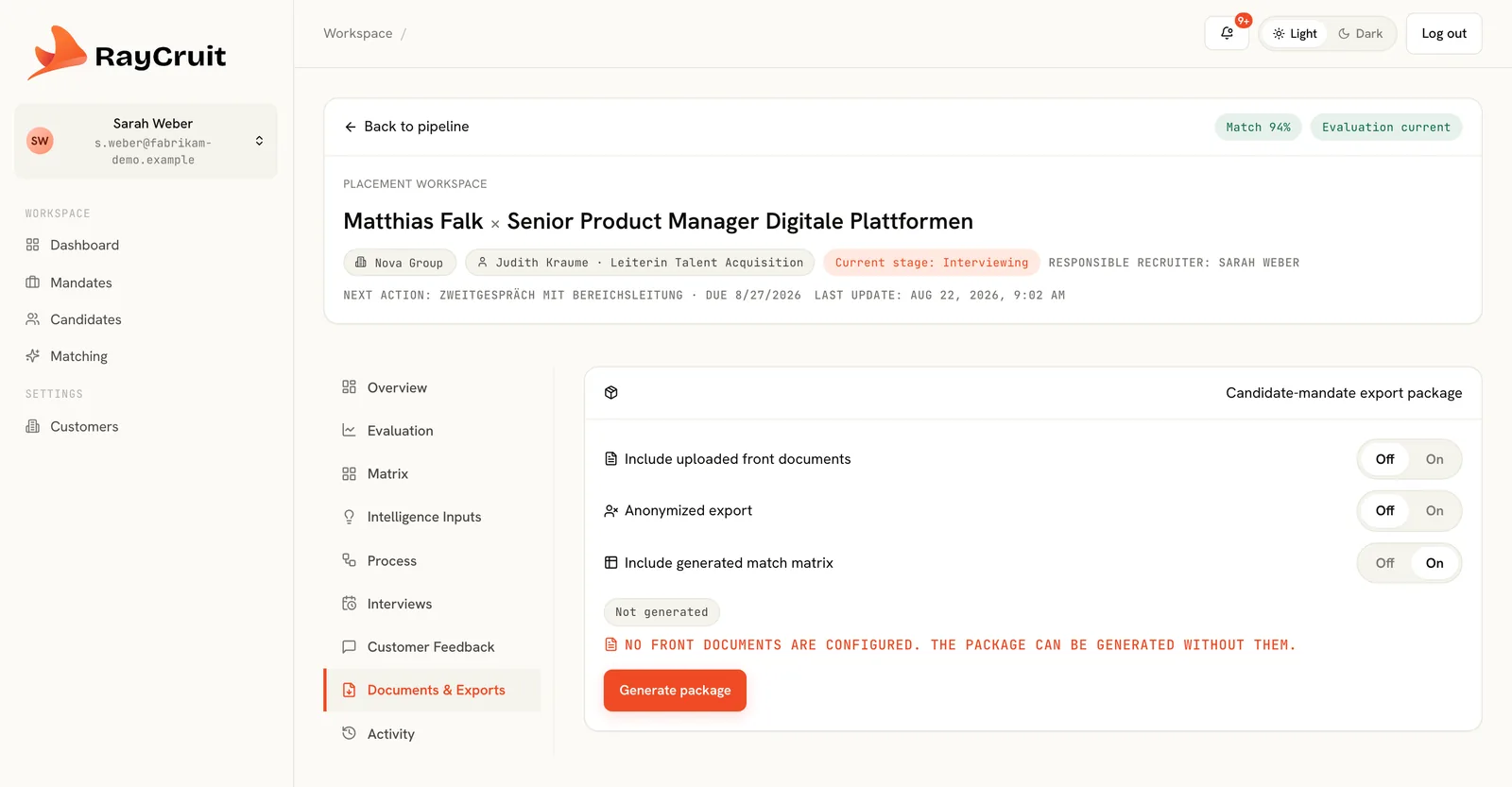
Documents and exports
Generating an anonymised CV, a fit explanation and a branded shortlist booklet, then submitting to the client.
- Anonymised and full CVs
- Fit explanations from the matrix
- Branded PDF and DOCX output
Chapter 10
Portals and governance
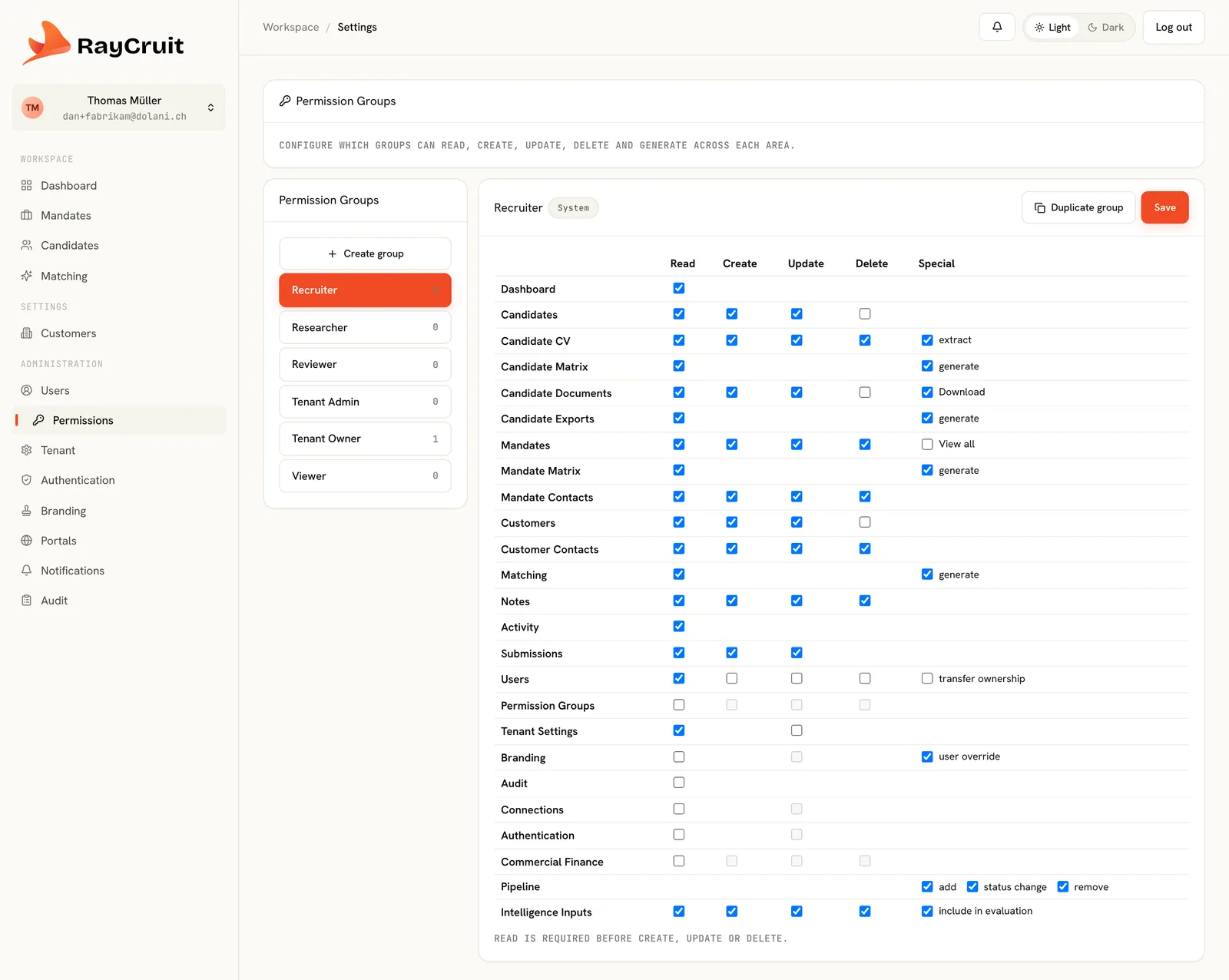
The candidate and customer portals, then permission groups, confidential mandates and the audit trail behind them.
- White-label portals
- Permission groups and roles
- Audit and activity trails
Chapter 11
Commercial terms and billable events
The framework agreement behind the customer, the terms this mandate runs on, the fee split into components, and the events the placement produced.
- Framework agreement and mandate terms
- Fee components and their calculation basis
- Confirming the billable events
Commercial terms
From framework agreementFee components
- RetainerFixed amountCreditable
- Success feeTotal first-year compensationOn placement
- ExpensesReimbursementOn approval
Billable events
- Candidate submittedConfirmed
- Client interview completedConfirmed
- Offer acceptedSuggested
- Candidate startedSuggested
Amounts are shown only to roles permitted to see them.
Prefer to see it on your own mandate?
A live session with one of your searches shows more in thirty minutes than any recorded tour.